Trabla: Install Concrete5 (5.7.5.8) CMS on windows ( XAMPP 5.6.21 )
Concrete5 is an
open source (
MIT software license) content management system (CMS) for publishing content on the World Wide Web and intranets, written in
PHP programming language.
It was designed for ease of use, for users with a minimum of technical skills. It enables users to edit site content directly from the page.
Concrete5 code is based on Model-View-Controller architecture and object-oriented programming.
https://en.wikipedia.org/wiki/Concrete5
Latest Tutorial - Install Concrete5 ( 5.7.5.9 ) on windows 7 x64 localhost ( XAMPP 5.6.24 ) - open source PHP content management system ( CMS )
Solving:
1. Download and install
XAMPP 5.6.21 from official site:
https://www.apachefriends.org/download.html
2. Download
Concrete5 (5.7.5.8) CMS installer from official site:
https://www.concrete5.org/download
3. Create folder \
concrete5 XAMPP htdocs folder
C:\xampp\htdocs\concrete5
and copy all files from downloaded
Concrete5 (5.7.5.8) CMS .zip source
4. Run
XAMPP Control Panel
- start Apache
- start Database
5. Open in browser following url to start
Concrete5 (5.7.5.8) CMS web installation
http://localhost/concrete5
- Click "
Choose Language"
6. "
Requirements Check" page - click "
Continue to Installation"
7. "
Site / Database / Admin Configuration " page
Now we need to create
Database for
Concrete5 (5.7.5.8) CMS
1) Open
phpMyAdmin in new browser tab (or window :) ) -
http://localhost/phpmyadmin
2) Open
SQL tab
3) Execute following
query
CREATE DATABASE `concrete5`
DEFAULT CHARACTER SET utf8 COLLATE utf8_general_ci;
CREATE USER 'concrete5-owner'@'localhost';
CREATE USER 'concrete5-owner'@'127.0.0.1';
CREATE USER 'concrete5-owner'@'::1';
SET PASSWORD
FOR 'concrete5-owner'@'localhost' = PASSWORD('concrete5123$%');
SET PASSWORD
FOR 'concrete5-owner'@'127.0.0.1' = PASSWORD('concrete5123$%');
SET PASSWORD
FOR 'concrete5-owner'@'::1' = PASSWORD('concrete5123$%');
GRANT ALL PRIVILEGES ON
`concrete5`.* TO 'concrete5-owner'@'localhost' WITH GRANT OPTION;
GRANT ALL PRIVILEGES ON
`concrete5`.* TO 'concrete5-owner'@'127.0.0.1' WITH GRANT OPTION;
GRANT ALL PRIVILEGES ON
`concrete5`.* TO 'concrete5-owner'@'::1' WITH GRANT OPTION;
Go back to
Concrete5 (5.7.5.8) CMS installarion page - fill all fields
( use
database name - concrete5
user - concrete5-owner
password ( for user ) - concrete5123$%
)
and click "
Install concrete5"
8. Installation ... :)
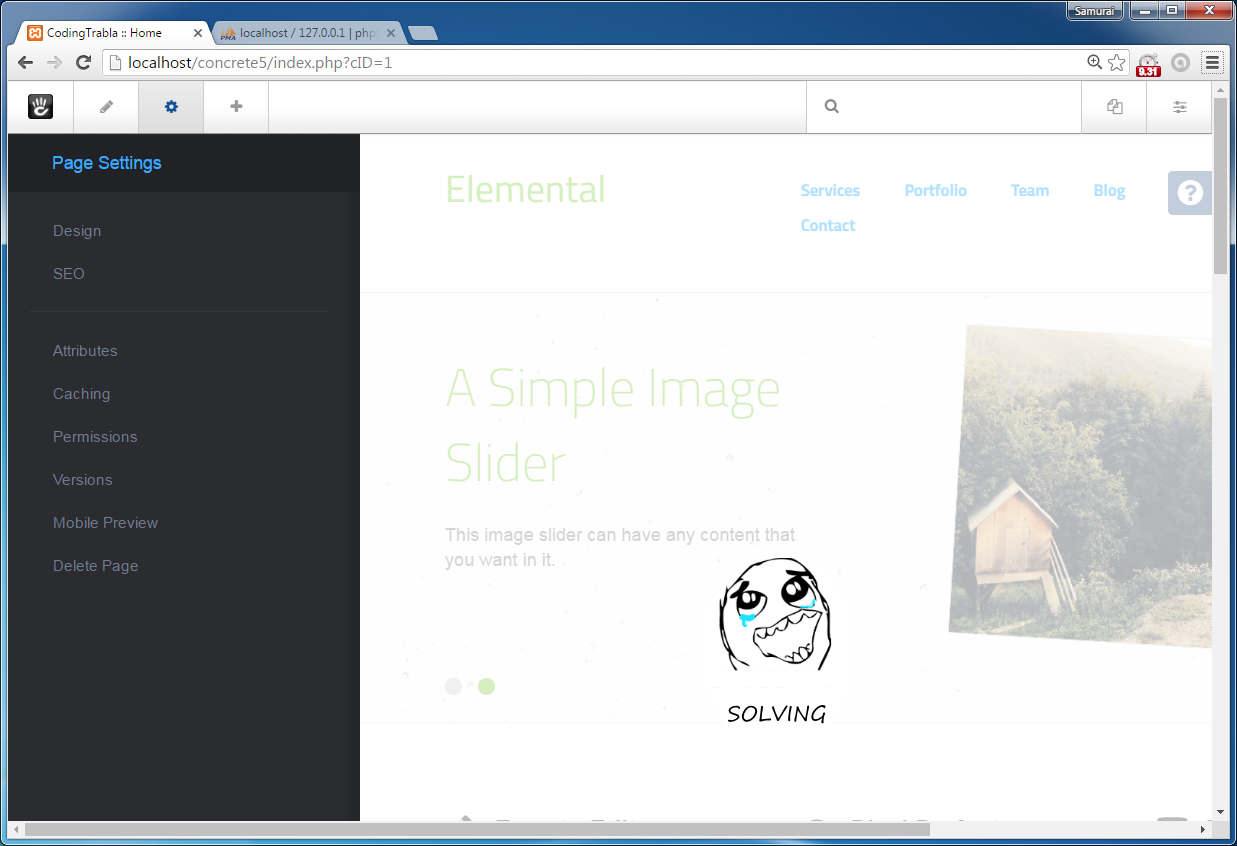
9. Done :)
NOTE!!!
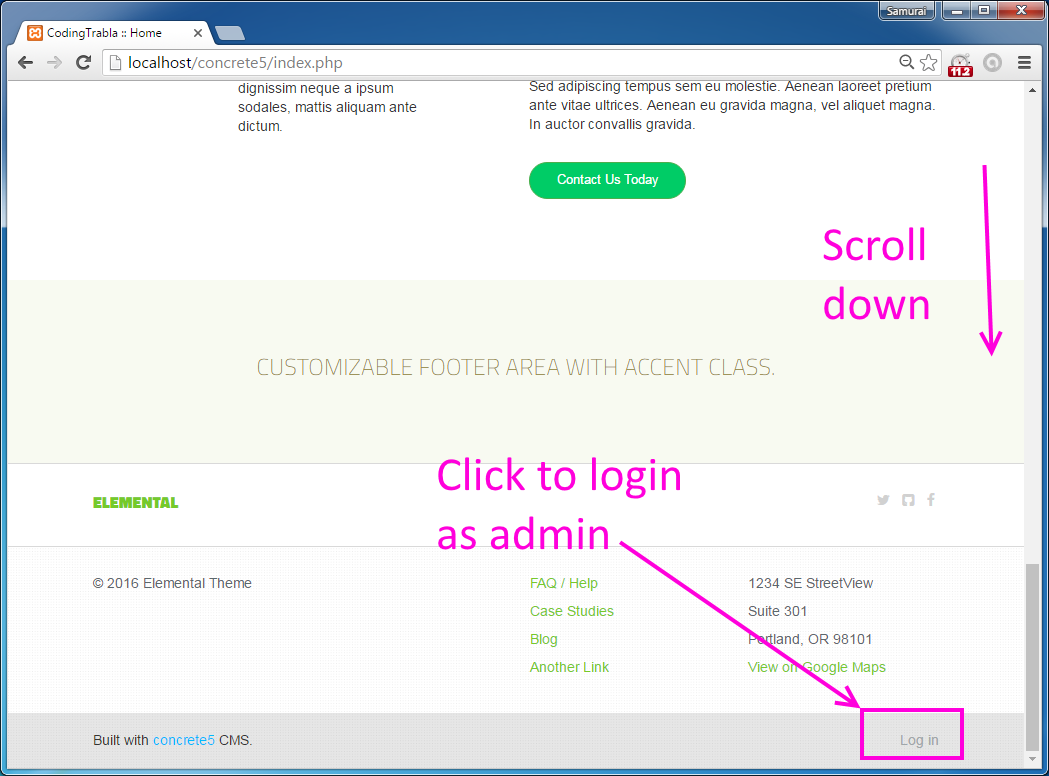
To Login as admin after installation
use login - "
admin" + your password for admin ( step 7)
Enjoy Concrete5 (5.7.5.8) CMS