Trabla: Install Jobberbase 2.0 on Windows 7 via XAMPP 5.6.31 - opensource PHP job board
Jobberbase is an open-source job board platform that enables the creation of job sites. For comparison, Jobberbase is for job sites what WordPress is for blogs. Since launch, Jobberbase was downloaded more than 100,000 times. Jobberbase was born in October 2007. Filip had previously created http://www.jobber.ro, a tech-only job board that quickly became known and loved in the Romanian tech community. As an experiment and being influenced by how Ruby on Rails (framework) came out of Basecamp (product), Filip decided to open-source jobber, 3 months after launch. Jobberbase was the first open-source job board platform, a breath of fresh air in a world where all other similar software was legacy, ugly and paid-for, thus challenging the status quo. Over the next few years, Jobberbase gained popularity and a few core contributors, most notably Lavi & Cosmin Mendrea and Radu Lucaciu who were also heavily involved in the community, helping people out. Other developers started to make a living by customising and extending Jobberbase for their clients.
Jobberbase Official Site -
http://www.jobberbase.com/
Solving:
1. Download and install
XAMPP 5.6.31 from
official site:
https://www.apachefriends.org/download.html
ATTENTION: NOT XAMPP 7.1.8 with PHP7 - won't work
2. Download
Jobberbase 2.0 job board source files archive
from official site:
http://www.jobberbase.com/
3. Unzip Jobberbase 2.0 job board archive
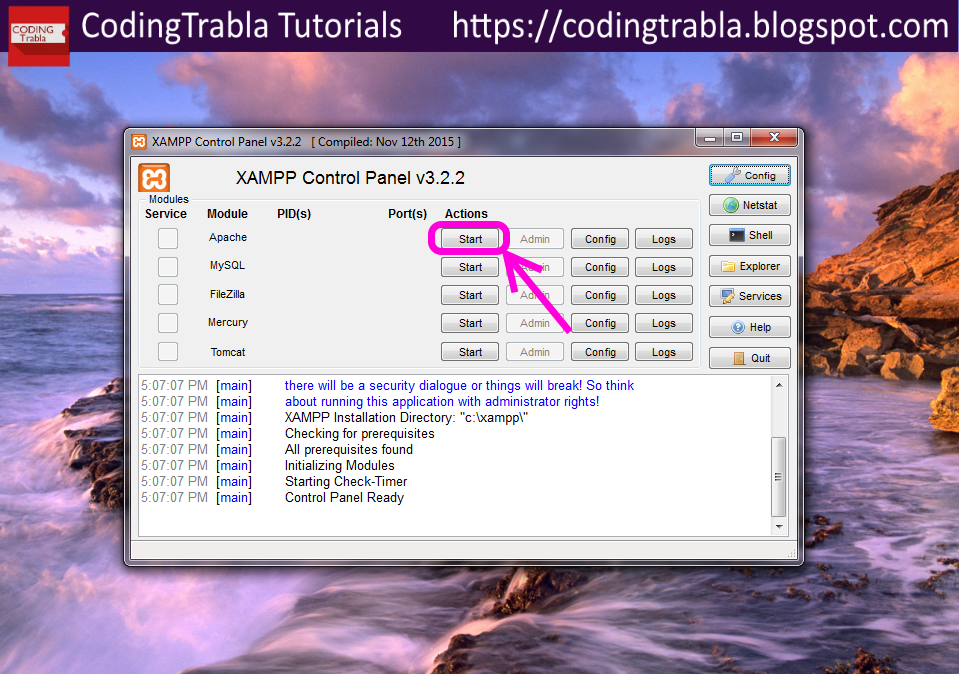
4. Run
XAMPP control panel
- start
Apache
- start
MySQL
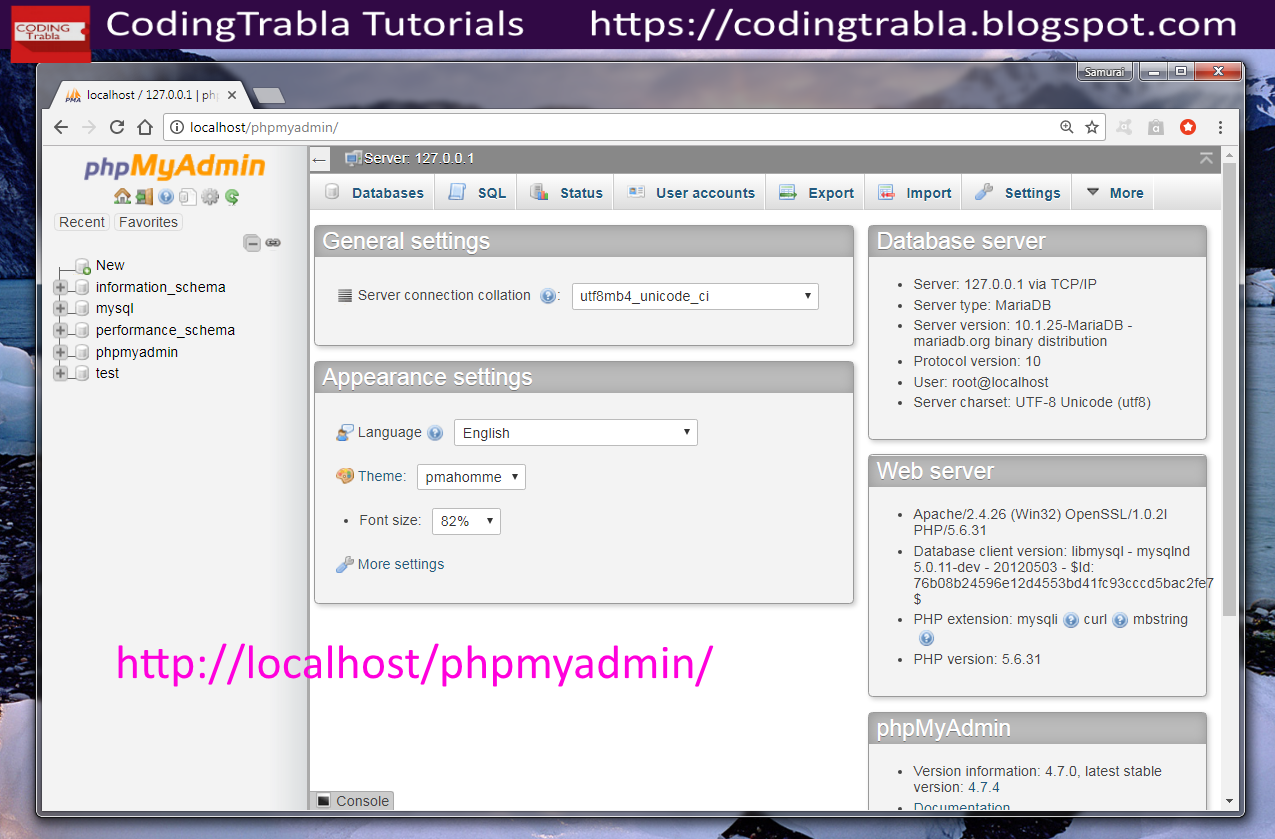
5. In browser open
phpMyadmin
- goto url:
http://localhost/phpmyadmin
- click on
SQL tab
- copy following
SQL script to create database and user for
Jobberbase 2.0 job board
CREATE DATABASE `jobberbase`
DEFAULT CHARACTER SET utf8 COLLATE utf8_general_ci;
CREATE USER 'jobberbase-owner'@'localhost';
CREATE USER 'jobberbase-owner'@'127.0.0.1';
CREATE USER 'jobberbase-owner'@'::1';
SET PASSWORD
FOR 'jobberbase-owner'@'localhost' = PASSWORD('jobberbase123$%');
SET PASSWORD
FOR 'jobberbase-owner'@'127.0.0.1' = PASSWORD('jobberbase123$%');
SET PASSWORD
FOR 'jobberbase-owner'@'::1' = PASSWORD('jobberbase123$%');
GRANT ALL PRIVILEGES ON
`jobberbase`.* TO 'jobberbase-owner'@'localhost' WITH GRANT OPTION;
GRANT ALL PRIVILEGES ON
`jobberbase`.* TO 'jobberbase-owner'@'127.0.0.1' WITH GRANT OPTION;
GRANT ALL PRIVILEGES ON
`jobberbase`.* TO 'jobberbase-owner'@'::1' WITH GRANT OPTION;
- click
Go button
- result of SQL script execution
-
reload browser page ( to see newly created database )
-
click on newly created
jobberbase database
- as you can see
jobberbase database is empty, so we need to import tables from /db folder
in archive
-
click Import button
- click "
Choose file" button
- select
jobberbase.sql - file in unzipped jobberbase folder,
\db folder
( e.g. path on my PC C:\Users\samuraikit\Downloads\filipcte-jobberbase-2.0-0-gd743c7a\filipcte-jobberbase-d743c7a\
db\jobberbase.sql )
- scroll down
Import page and click "
Go" button
- result of
jobberbase.sql import
6. In
XAMPP \htdocs folder create folder
\jobberbase
( C:\xampp\htdocs )
7. Copy files from unziped
Jobberbase folder \
public
into folder
\htdocs\jobberbase
(
C:\xampp\htdocs\jobberbase )
8. Edit Jobberbase config file located
in
C:\xampp\htdocs\jobberbase\_config\config.envs.php
using any source code editor , e.g. Notepad++ (
https://codingtrabla.blogspot.com/2017/07/install-notepad-plus-plus-742.html )
- change
prefix
from
jobberbase.local to
localhost/jobberbase
- change
db_user
from
root to
jobberbase-owner
- change
db_password
from
root to
jobberbase123$%
- change
app_url
from
http://jobberbase.local/ to
http://localhost/jobberbase/
-
save and close file
9. In
browser goto url https://localhost/jobberbase
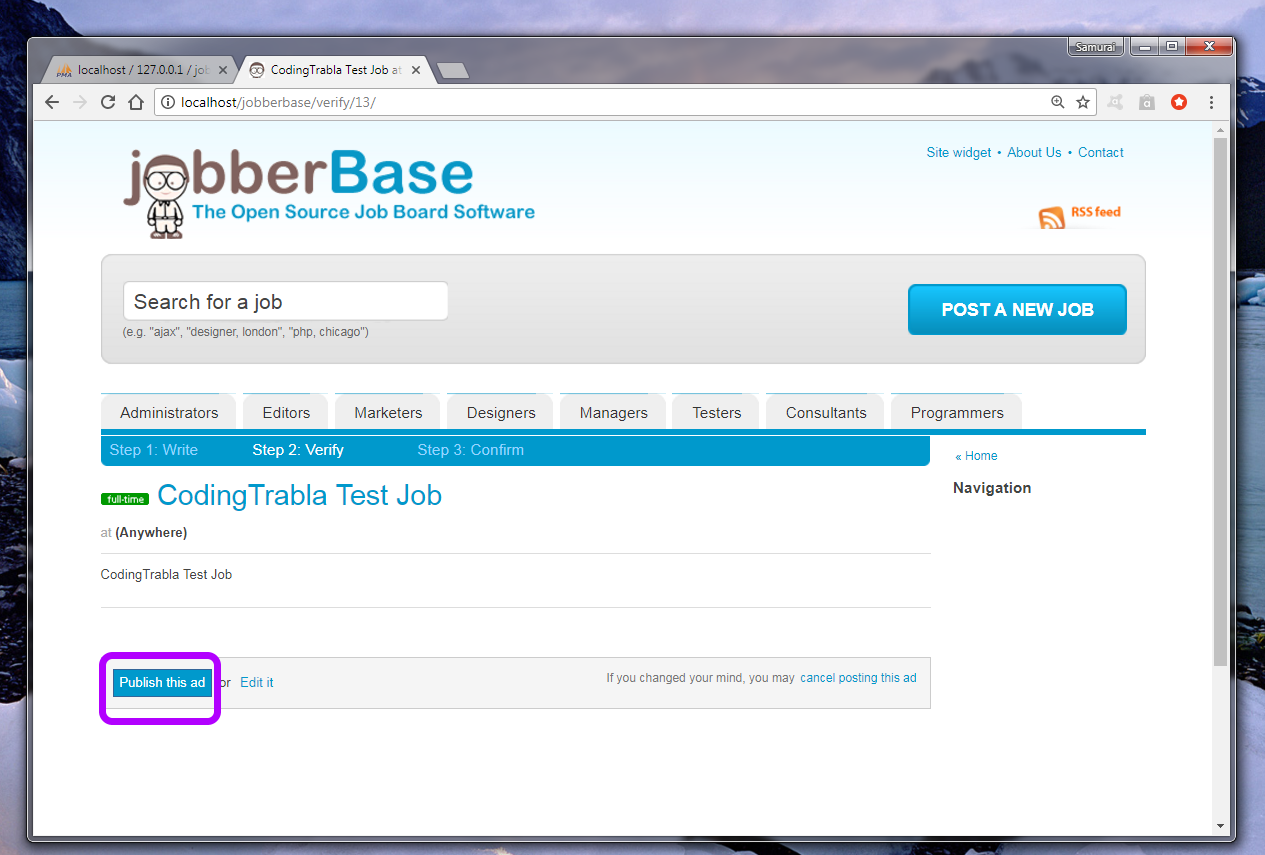
10. Create new job post
11. Login to
admin
goto url -
http://localhost/jobberbase/admin/
Hooray !!! Enjoy Jobberbase 2.0 job board !!!